How to Create a Competency/Skills Matrix for Your Workforce(with Templates)?
A Competency/Skills Matrix is a vital tool for businesses aiming to optimize their workforce capabilities. It is a visual representation that maps employees’ skills and competencies against the tasks or roles within a company. By using this matrix, managers can assess proficiency levels, identify skills gaps, and make strategic decisions about training, development, and resource allocation.
Whether you’re a small startup or a large enterprise, implementing a competency/skills matrix can transform your HR strategy, improve team performance, and boost productivity.
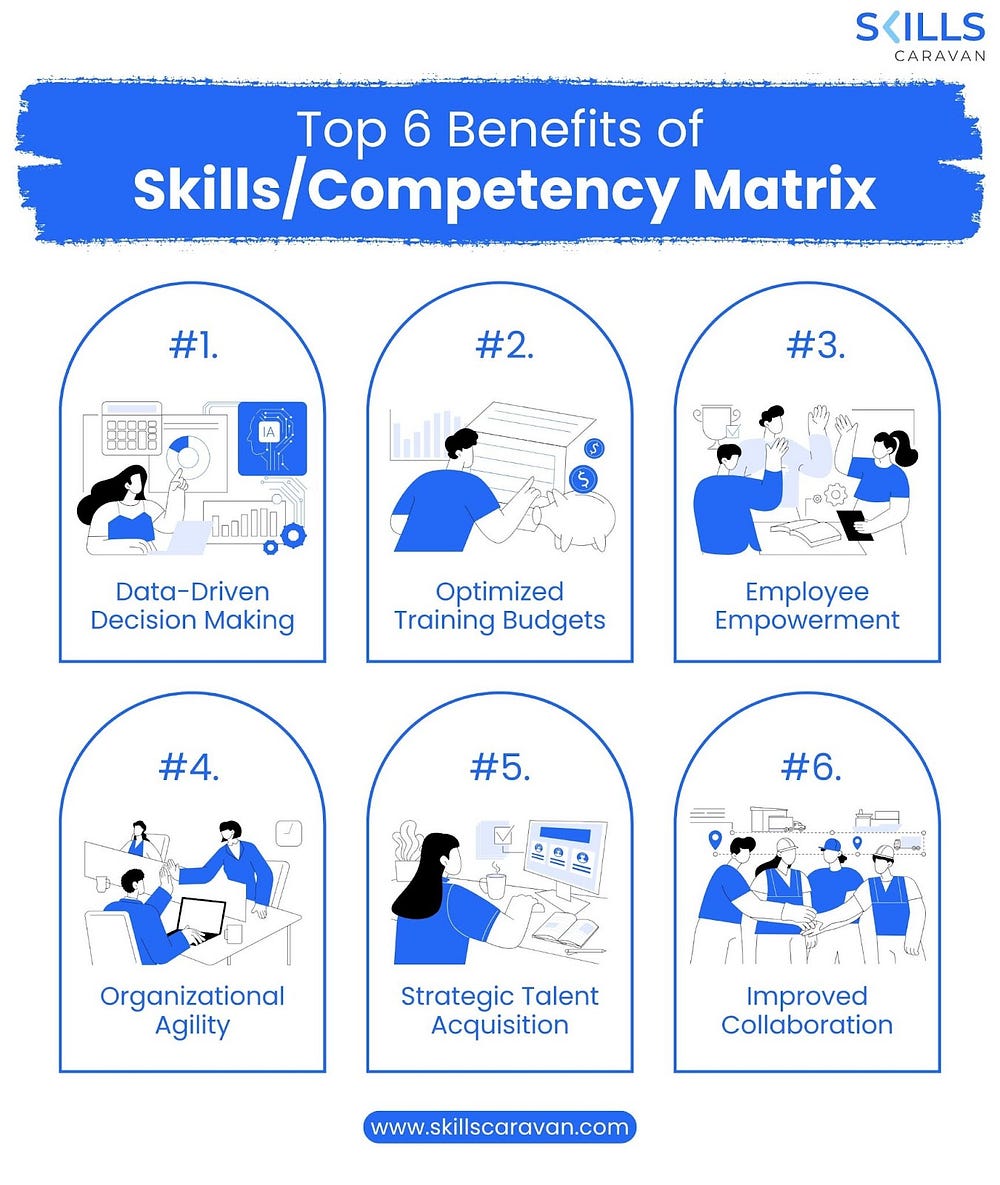
Why is a Competency/Skills Matrix Important?
A well-designed Competency/Skills Matrix helps organizations:
- Visualize team capabilities: Understand who is good at what.
- Identify skills gaps: Easily see where training is required.
- Facilitate workforce planning: Make informed decisions about hiring, promotions, and reskilling.
- Enhance employee development: Align learning initiatives with business needs.
- Boost productivity: Assign tasks to the most qualified individuals.
In today’s rapidly changing work environment, staying ahead means knowing exactly what your team can do — and where they need support.
Step-by-Step Guide to Creating a Competency/Skills Matrix
Let’s break down the process of creating a Competency/Skills Matrix for your workforce.
Step 1: Define Roles and Competencies
Begin by listing all the roles within your organization or team. For each role, define the core competencies and skills required to perform effectively.
Example:
- Role: Software Developer
- Competencies: Programming, Problem-Solving, Communication, Agile Methodology
- Skills: Java, Python, Git, Jira
Tip: Collaborate with department heads and team leads to ensure role-specific accuracy.
Step 2: Identify Proficiency Levels
Assign proficiency levels to each competency. Common levels include:
- 1 — Novice: Basic understanding
- 2 — Intermediate: Can perform with supervision
- 3 — Proficient: Can perform independently
- 4 — Expert: Can mentor others
You can customize these levels based on your organizational needs.
Step 3: Assess Your Workforce
Next, evaluate each employee’s skills against the required competencies. This can be done through:
- Self-assessments
- Peer reviews
- Manager evaluations
- Performance reviews
- Online assessments or tests
Note: Encourage honesty and objectivity in assessments to maintain the accuracy of the matrix.
Step 4: Build the Matrix
Create a table or spreadsheet with:
- Rows = Employees
- Columns = Competencies/Skills
- Cells = Proficiency ratings (e.g., 1–4)
You can use color-coding to make it more visual:
- Red = Skill gap
- Yellow = Needs improvement
- Green = Competent
Tools You Can Use:
- Excel or Google Sheets
- HR software (e.g., TalentGuard, Saba, or SAP SuccessFactors)
- Project management tools with skill tracking (e.g., Asana, Trello with plugins)
Step 5: Analyze the Matrix
Now that your Competency/Skills Matrix is complete, it’s time to extract insights:
- Which skills are missing across the team?
- Who are your subject matter experts?
- Are certain departments under-skilled?
- Can someone be promoted or trained for a higher role?
Use this data for strategic HR planning, training program development, and even succession planning.
Step 6: Update Regularly
Skills and roles evolve. Make it a habit to update your matrix quarterly or bi-annually to reflect:
- New hires or exits
- Completed training
- Changing job requirements
- New technologies
An outdated matrix is worse than none at all.
Templates: Free Competency/Skills Matrix Formats
Here are a few downloadable and customizable formats you can start with:
Template 1: Basic Excel Skills Matrix
Ideal for small teams. Lists employees and their proficiency across defined skills.
Template 2: Role-Based Competency Matrix
Designed around job roles. Shows which employee fits best in each position.
Template 3: Training Needs Assessment Matrix
Highlights skill gaps and maps them to training programs.
Tip: You can find these templates available online or create one from scratch using Google Sheets or Excel.
Best Practices When Creating a Competency/Skills Matrix
- Be transparent — Let employees know how their skills will be evaluated and used.
- Stay consistent — Use the same proficiency scale across departments.
- Keep it simple — Don’t overcomplicate with too many skills or levels.
- Involve team leads — They understand team performance better than top-level management.
- Use it as a tool for growth — Encourage employees to improve, not just be evaluated.
Common Mistakes to Avoid
- Not involving employees in the assessment process
- Failing to update the matrix regularly
- Using too generic competencies that don’t reflect real job needs
- Ignoring soft skills like communication and teamwork
Final Thoughts
Creating a Competency/Skills Matrix isn’t just an HR exercise — it’s a strategic business move. It ensures the right people are in the right roles and provides a roadmap for upskilling your team.
When used effectively, a competency matrix becomes the foundation for smarter hiring, targeted training, better team dynamics, and overall organizational success.
Start building your matrix today and turn workforce management into a data-driven, insight-rich process.

Comments
Post a Comment